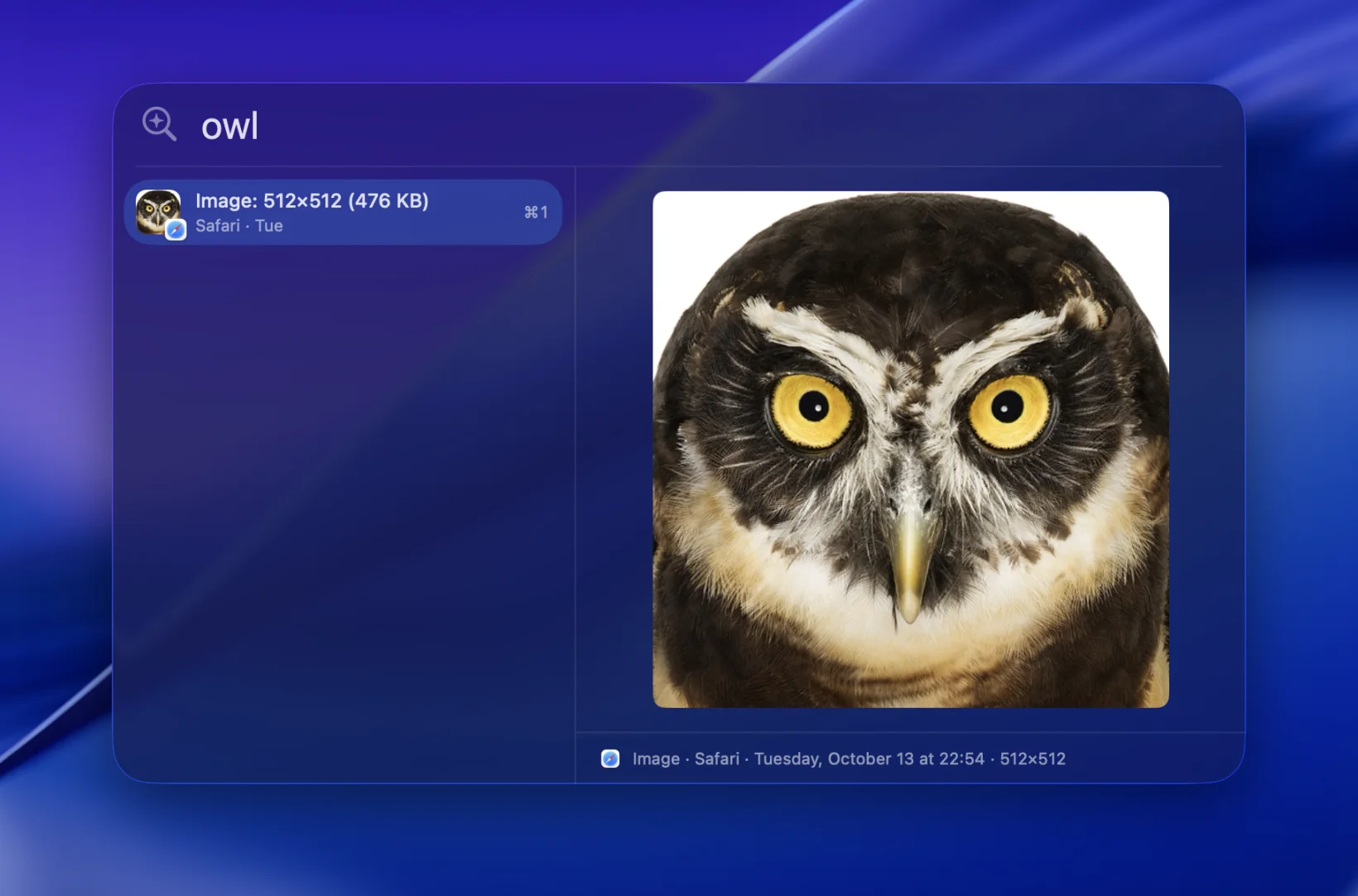
Photos, by what’s in them.
Type “owl”, in English or in your own language, and the owl comes up. Pictures are understood by the same model as your words, along with any text written in them.
 Pastemind
Download
Pastemind
Download
Pastemind remembers everything you copy and finds it by what it was about. Ask “when does my plane leave” and the flight confirmation comes up, though it never said “plane”.
Free and open source · macOS 14+ · a Mac with M1 or later
Type one, or watch:
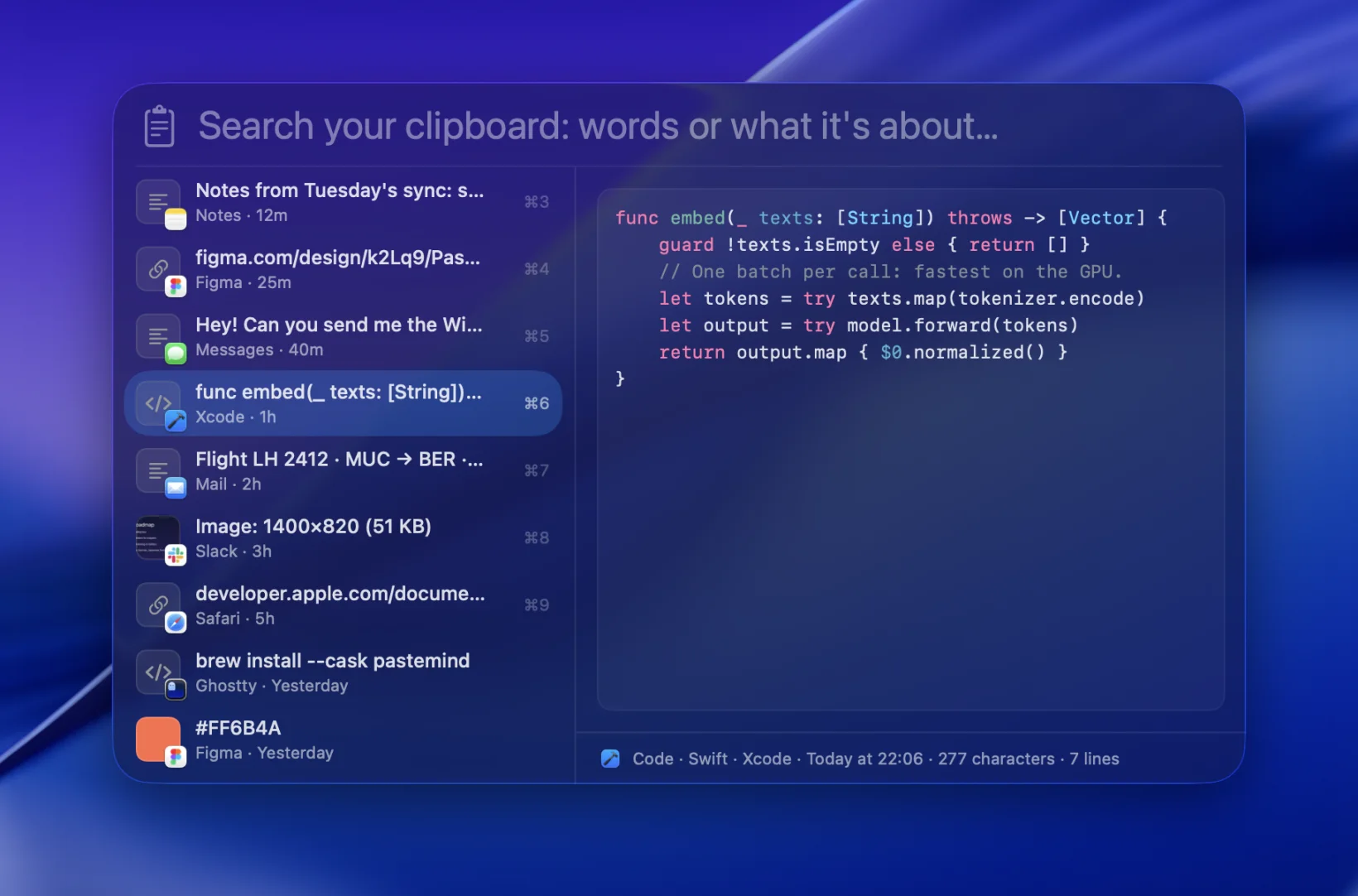
Code comes highlighted, colors as swatches, links with their site, pictures big enough to see. Press ⌘S to keep any of them as a snippet.
Type “owl”, in English or in your own language, and the owl comes up. Pictures are understood by the same model as your words, along with any text written in them.
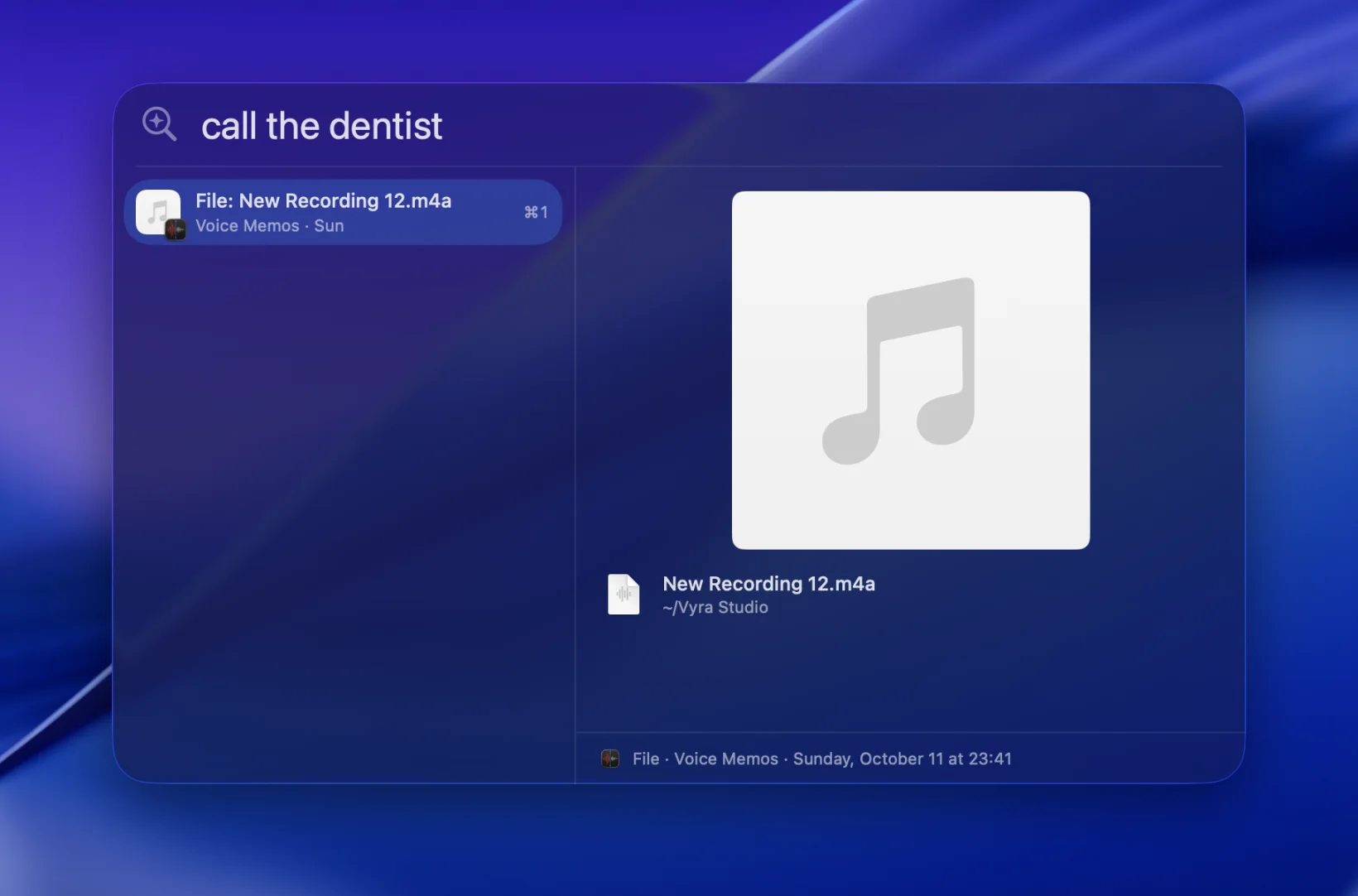
Copy a recording and search for what was in it. “call the dentist” finds New Recording 12.
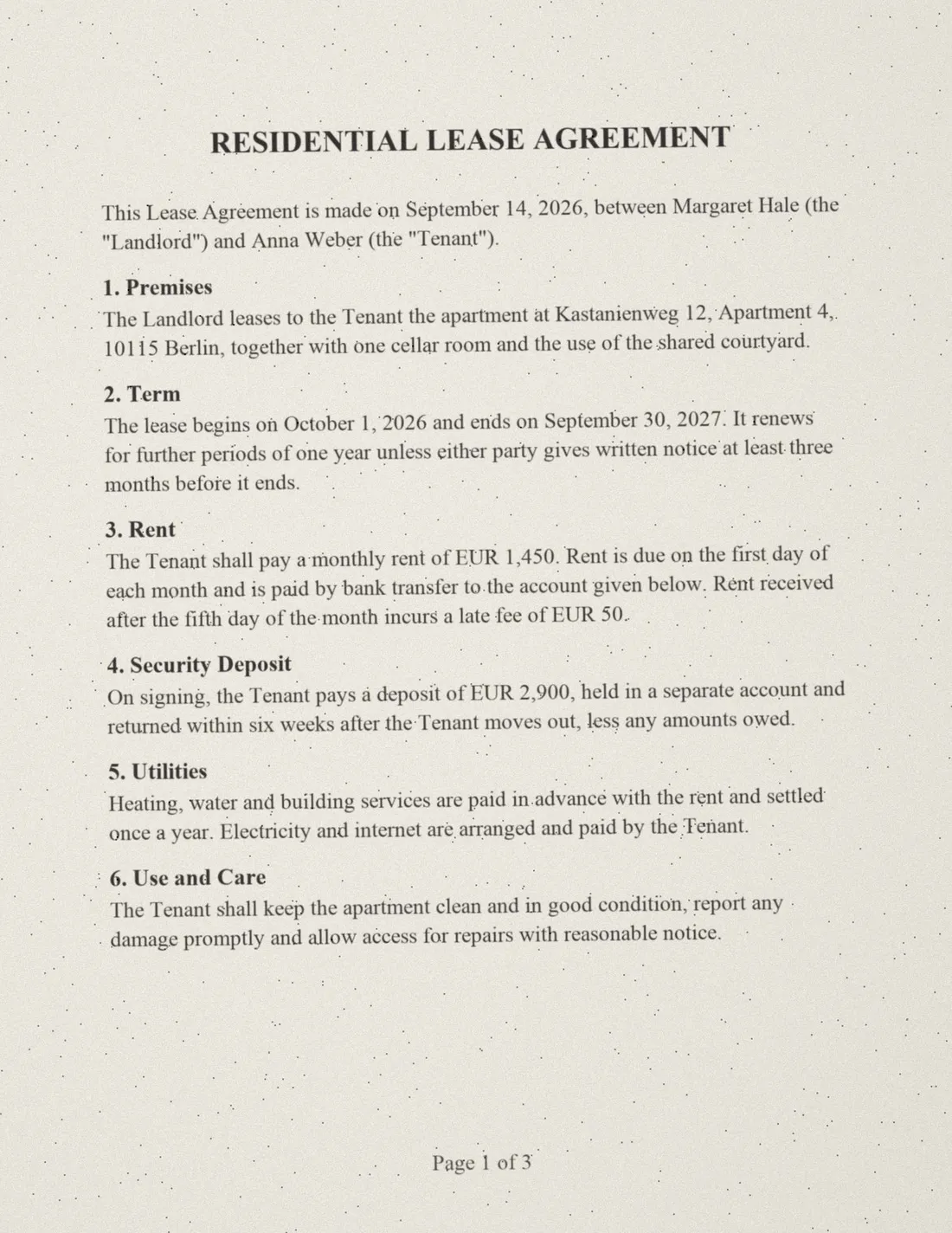
A scanned lease has no text at all, only pictures of pages. Pastemind reads them, up to 50 pages, and finds the line you meant. Long documents are searched all the way through, not just their first page.
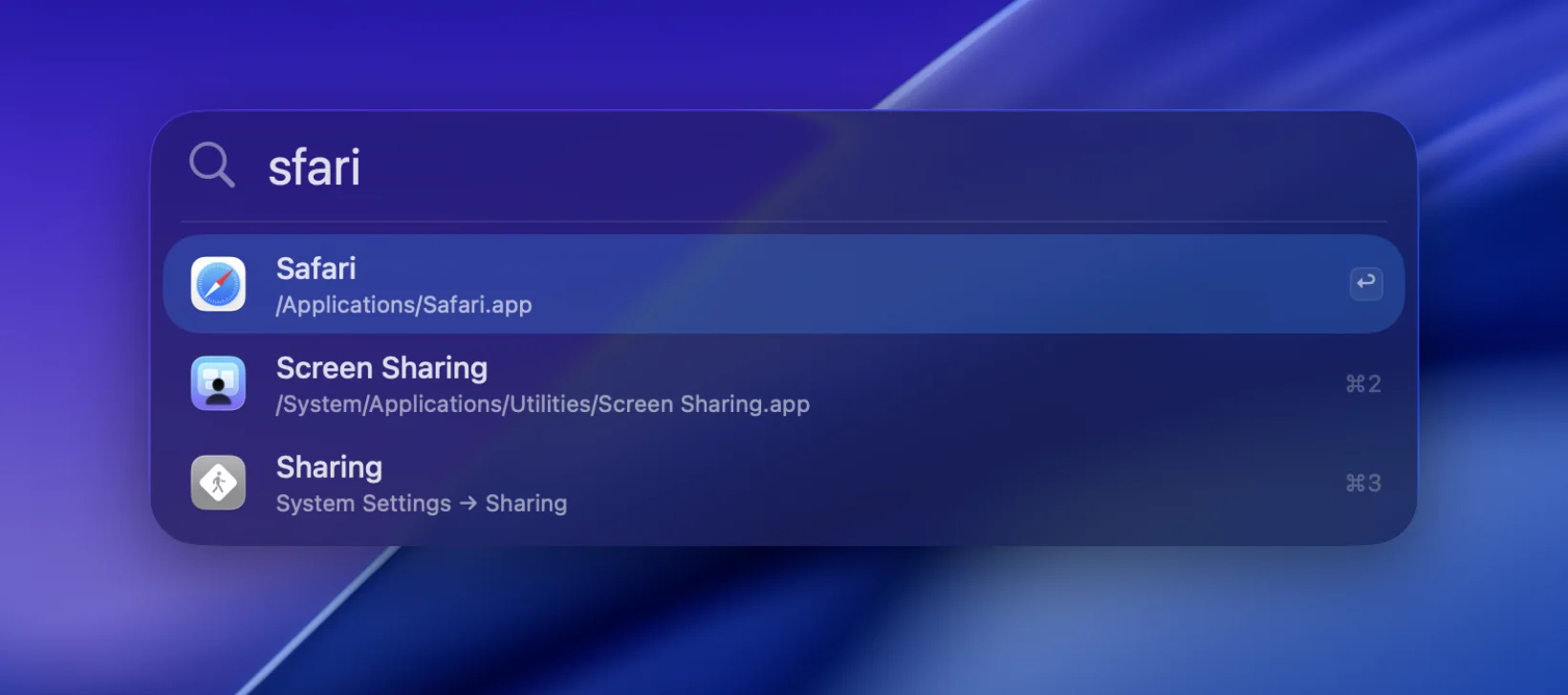
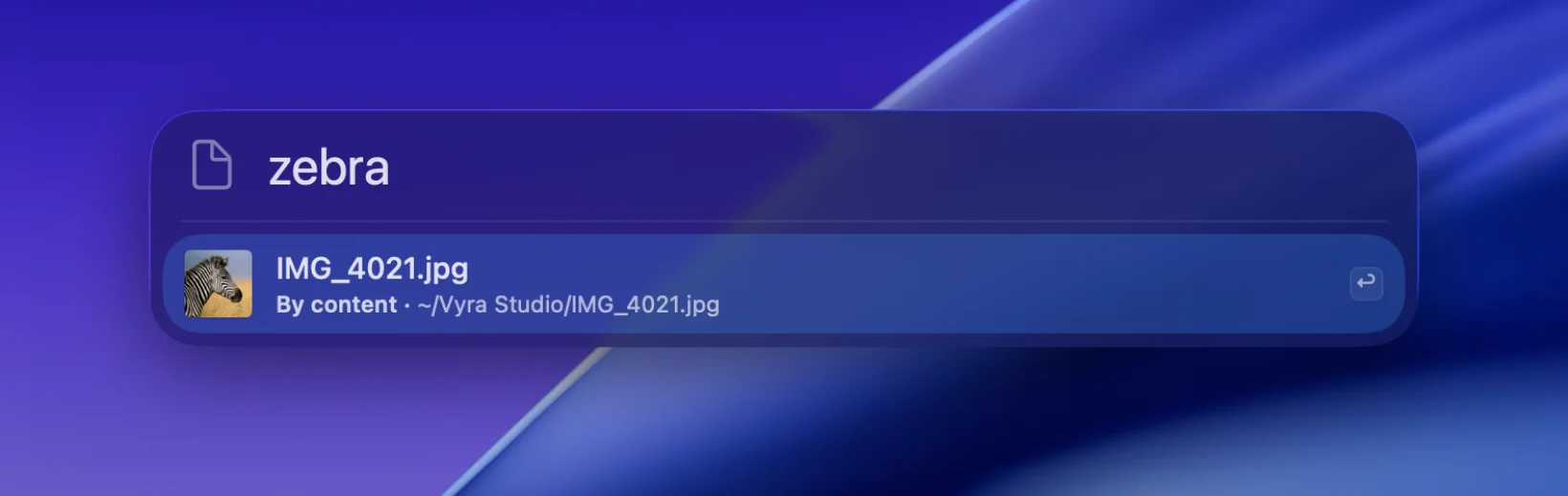
Apps and System Settings, typos forgiven. Files by name, or by what’s in them: “zebra” finds a photo called IMG_4021.jpg. Press ⇧⌘C and the same panel turns into your clipboard.
It goes online for two things: to download its model once (246 MB, then 226 MB more for pictures), and to check for a new version once a day, which you can turn off. It never keeps passwords copied from password managers.
Free · a 10 MB download · release notes and older versions